Every year, Americans spend hours hunting for W-2s, 1099s, and receipts, then retyping the numbers into forms. One typo can trigger a notice from the IRS. Small business owners and accounting firms feel it most, because they repeat this work for dozens of clients.
AI tax software aims to fix the slow parts. Here is what it does, where it falls short, and how to judge a tool before you use it.
What AI Tax Software Actually Does
“AI” gets thrown around a lot. In tax work, it usually means three practical things.
1. Reading and sorting documents
Instead of typing every number by hand, you upload a PDF or photo. The software reads it, pulls out the key figures, and places them in the right fields. This is the biggest time saver for most users.
2. Flagging mistakes before you file
AI can take your return and look it up against patterns from previous returns. It could notice a mismatched social security number, a missing form, or even a deduction that’s out of the ordinary. In effect, it’s providing a second set of eyes that never tired.
3. Answering tax questions in plain language
Many tools now include a chat feature. You can ask what a form means or which records to gather. The answers are meant to explain, not to decide for you.
current statistic on how many US returns are e-filed or how many hours the average filer spends on taxes. Pull it from the IRS (irs-gov) or the IRS Taxpayer Advocate Service, and cite the tax year.
Who Benefits Most
Different users get different value from the same technology.
- Individual filers: Faster data entry and fewer missed forms.
- Freelancers and gig workers: Easier sorting of income from several 1099s and expense tracking across the year.
- Small business owners: Cleaner records that make quarterly estimates less stressful.
- CPA and accounting firms: Less time on repetitive intake, so staff can focus on advisory work.
Notice the pattern. AI handles the repetitive tasks. Humans handle the decisions.
Five Things to Check Before You Trust an AI Tax Tool
Not every product is built the same. Use this checklist.
- Data security. Tax returns hold some of the most sensitive data you own. Look for encryption, multi-factor login, and a clear privacy policy. Tax preparers in the US also have legal data-safeguarding duties under the FTC Safeguards Rule and IRS guidance.
- Human review. Can a real tax professional look at your return if something is unclear?
- Transparency. Does the tool show where each number came from, so you can verify it?
- Pricing. Look for flat, upfront fees rather than surprise charges at the filing step.
- Support. Check whether help is available during peak weeks, not just off-season.
A Closer Look at One Option: UpTaxAI
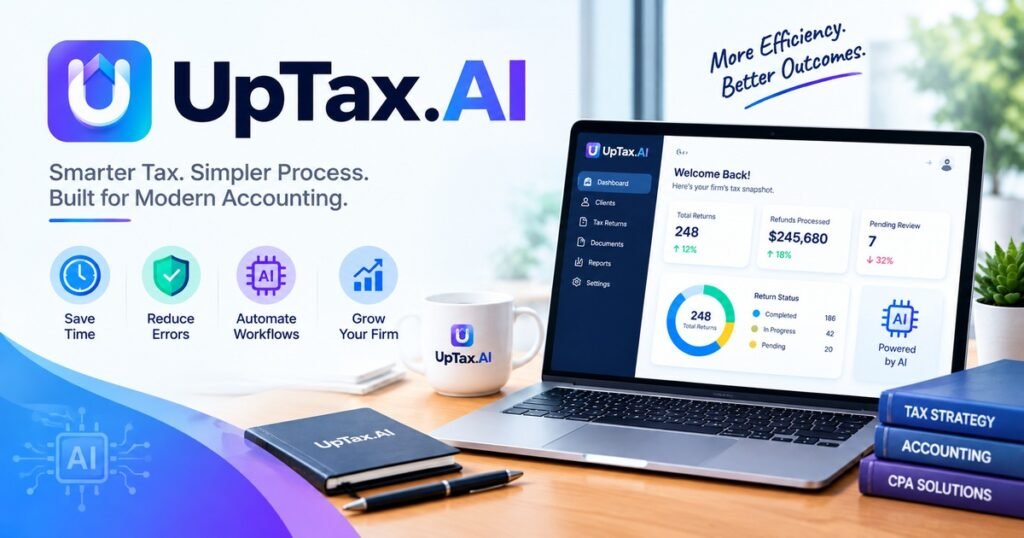
To give a more concrete example, take uptaxai – a site offering AI-powered tax and financial services to US residents. The company also appears in search results under the terms “UpTax” or “UP TAX.” Once again, the same principle as described above is at work: using artificial intelligence to automate document processing and error detection while leaving decision-making to humans.
When comparing it with other tools, run it through the five-point checklist. Ask about security, review options, and pricing. Try it on a simple return first and see how clearly it shows its work.
What AI Tax Software Cannot Do
Honest guides mention the limits, so here they are.
- It can misread documents. Blurry scans and unusual layouts cause errors. Always check the extracted numbers.
- It does not know your full situation. A divorce, a move across states, or a new business changes the picture in ways a form field may not capture.
- It does not carry legal responsibility. You, or your signed preparer, answer for what is filed.
- Tax law changes. Rules and thresholds are updated often. Confirm anything time-sensitive on IRS-gov.
The Bottom Line
AI is changing the way in which Americans file their taxes, typically by taking out the drudgery of typing, organizing and checking. The key to using it wisely is to treat it like a good but unthinking assistant, always ready to stop and ask a human about anything that could affect a tax liability.
Choose a program that has been tested, try it on a smaller return first and always keep the final decision in your own hands.
Also reads: https://xuzpost.com/best-tax-filing-software-for-cpa-firms-dont-choose-blind/
Frequently Asked Questions
Is AI tax software safe to use?
It can be, if the provider uses strong encryption, multi-factor login, and clear privacy terms. Read the policy before uploading any documents.
Can AI tax software replace a CPA?
Not for most complex situations. AI speeds up routine work, while a CPA or enrolled agent provides judgment, planning, and representation if the IRS has questions.
How accurate is AI tax software?
Accuracy depends on the tool and the quality of your documents. Treat the output as a draft and review it before filing.
What is UpTaxAI?
UpTaxAI is an AI-driven tax and financial services platform at uptax.ai. Review its current features and pricing on the official site.
Is AI tax software cheaper than a human preparer?
Often it costs less for simple returns, but prices vary widely. Compare total cost, including any add-ons, before you choose.