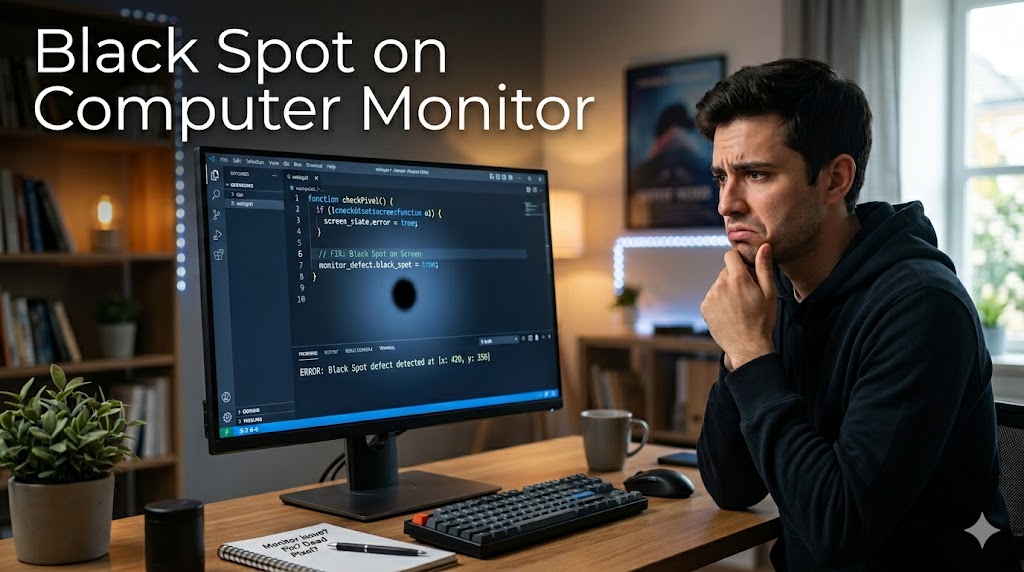
A black spot on computer monitor can be frustrating, especially when it starts affecting visibility and overall screen performance. Whether you use your monitor for office work, gaming, graphic design, or entertainment, even a small dark spot can disrupt your viewing experience. These spots may appear as tiny dots, large dark patches, or dead areas on the screen, and they can develop due to physical damage, dead pixels, pressure marks, or internal display issues.
Understanding the exact reason behind the problem is important before attempting any repair. In some cases, the issue may be temporary and easy to fix, while in others, professional repair or replacement may be necessary. Identifying the symptoms early can help prevent further damage and extend the life of your monitor.
Common Causes of Monitor Black Spots
Dead or Stuck Pixels
One of the most common reasons for a black spot on computer monitor is dead pixels. A dead pixel occurs when a pixel no longer receives power and stays permanently black. Stuck pixels, on the other hand, may display only one color and can sometimes be repaired using software tools.
Dead pixels are usually small and appear as tiny dark dots on the screen. While a single dead pixel may not affect performance significantly, multiple dead pixels can become distracting over time.
Physical Screen Damage
Accidental pressure, dropping the monitor, or hitting the screen can create dark patches or black marks. LCD and LED screens are delicate, and internal panel damage may not always be visible externally. Physical damage often causes irregular dark areas that gradually spread across the display.
Dust or Internal Display Problems
Sometimes, dust particles trapped inside the monitor panel can appear as black spots. In older monitors, internal component failure or overheating may also create display abnormalities. These problems usually require professional servicing to diagnose accurately.
How to Fix the Problem
Restart and Check Connections
Before assuming the monitor is damaged, restart your computer and reconnect all cables. Loose HDMI, DisplayPort, or VGA connections can sometimes create unusual display problems that resemble screen defects.
Use Pixel Repair Software
If the issue is related to stuck pixels, specialized pixel repair software may help. These tools rapidly cycle colors on the screen to reactivate inactive pixels. Although this method does not always work, it is worth trying before replacing the monitor.
Clean the Screen Carefully
A dirty screen may sometimes look like it has dark marks. Use a microfiber cloth and screen-safe cleaning solution to gently clean the display. Avoid applying excessive pressure because it can worsen the damage.
Preventing Future Screen Damage
Handle the Monitor Properly
Avoid pressing on the screen while cleaning or moving the monitor. Always lift it carefully using the frame instead of touching the display panel directly.
Use a Surge Protector
Power fluctuations can damage internal monitor components. Using a quality surge protector helps protect your monitor and other computer accessories from electrical damage.
Keep the Monitor Cool
Excessive heat may shorten the lifespan of display components. Ensure proper ventilation around the monitor and avoid placing it near heat sources.
When to Replace the Monitor
If the black spot on computer monitor keeps expanding or begins affecting major portions of the screen, replacement may be the best option. Repairing modern display panels can sometimes cost nearly as much as purchasing a new monitor. Checking warranty coverage can also help reduce repair expenses.
Conclusion
A black spot on computer monitor may result from dead pixels, physical damage, dust, or internal hardware issues. While some minor problems can be fixed with simple troubleshooting methods, severe display damage may require professional repair or replacement. Proper maintenance, careful handling, and regular cleaning can help keep your monitor in excellent condition and prevent future display issues.
You have not enough Humanizer words left. Upgrade your Surfer plan.