bim-vs-revit-model-guide
Many project teams use the words BIM and Revit as if they mean the same thing. They do not, and the gap can cause real trouble on a live project.
Teams that treat a BIM and Revit model as one thing can miss the data a project needs. Owners, architects, and modeling teams may each picture a different deliverable. One group expects a 3D model, while another expects shared data and clear rules.
A clear view of BIM vs Revit helps you set scope, ask better questions, and write stronger contracts.
BIM vs Revit: The Simple Difference
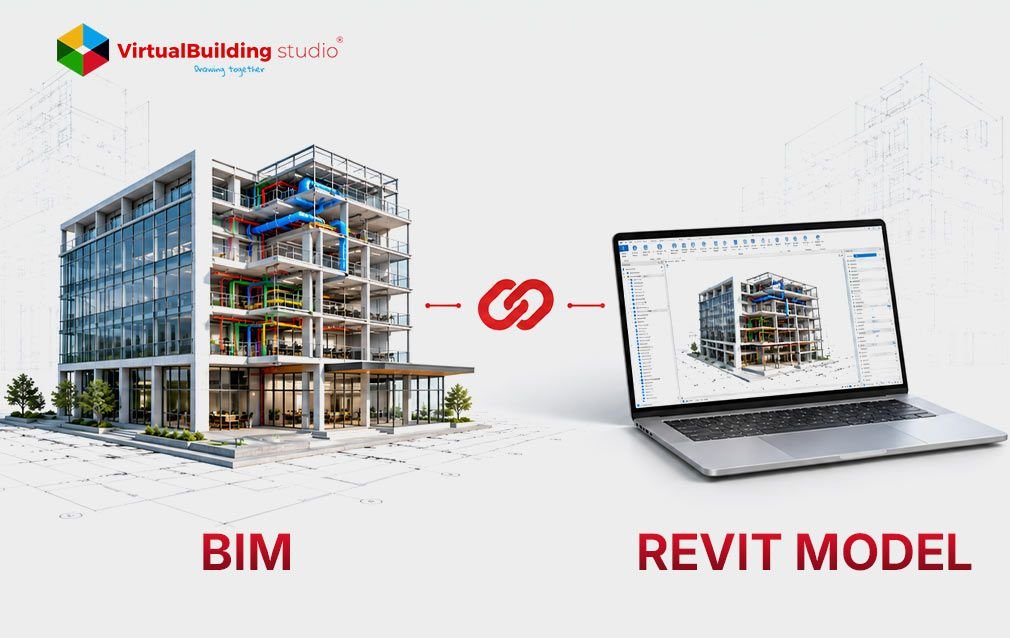
BIM is a way of working whereas Revit is a tool. BIM is the process of planning, creating, sharing, and checking project information. Revit is software that teams use to build part of that information.
Project teams use BIM to set what information is needed, who provides it, and when. Revit helps the assigned team create its share.
Buying Revit does not create a BIM workflow by itself. A team still needs rules, roles, and checks. That difference starts with what BIM actually covers.
What Is Building Information Modeling?
Building Information Modeling covers what a building looks like and what it holds. Shapes and spatial layouts show the look. Data such as materials, asset names, costs and maintenance needs show what it holds.
Teams use this information from design through construction, handover, and operation. A 3D model alone is not enough. It can fall short without naming rules, approved status, or required properties.
Revit is one tool that creates part of this information.
What Revit Does as BIM Modeling Software
Autodesk Revit is BIM modeling software for architecture, structure, and building systems such as mechanical, electrical, and plumbing (MEP). It builds parametric models, which means rules link the parts of a model. When the rules are set up well, one edit can update plans, sections, and schedules.
Teams that deliver BIM construction documentation services use these features to produce sheets and schedules from the model. Poor data in the model can lead to errors in the drawings.
BIM and Revit Model: Where They Overlap
A BIM model is defined by what it is meant to do. A Revit model is defined by the tool that made it. A BIM and Revit model overlap when a Revit file follows project rules, holds checked data, and supports agreed uses.
A Revit file with 3D shapes but no coordinates or classifications falls short. A BIM model can also come from other BIM modeling software. A design model may show pipe routes. It may not include the joints and supports a fabricator needs.
Placing Revit correctly inside the project process comes next.
How Revit Fits Into a BIM Workflow
Revit handles the production work, while the project plan sets the rules.
Planning: Teams write information requirements and an execution plan, then set up Revit templates to match.
Authoring: Architecture, structure, and MEP teams build separate models and link them.
Positioning: Teams pick one source for model positions and test alignment early.
Coordination: Teams combine models to find clashes. Teams delivering BIM coordination services track each issue until it is closed in the source model.
Exchange: Teams export to IFC, an open exchange format, then test what the receiver gets.
Even with a plan, some problems still appear.
Common Problems with BIM and Revit Projects
Many challenges come from people, process and data, not only from software. Teams adopting Building Information Modeling can face training gaps, resistance to change and missing standards.
Software treated as process: Teams that equate BIM with Revit can model without requirements or approval steps.
Data loss in exchange: IFC exchanges can drop elements or change scale if settings or mapping are wrong. Teams should test their own exchanges early and note any known losses.
Mismatched positions: Different survey points can leave linked models offset. One approved source for positions should control the project.
Spotting these problems early starts with the right questions to ask.
What to Ask Before Hiring BIM Support
BIM process skills and Revit production skills are two separate checks. A supplier can be strong in Revit yet lack the steps to run coordinated work across disciplines. Buyers can ask the following questions.
BIM consulting services in the USA: ask about execution plans, owner standards, and how project data is shared.
BIM construction documentation services: ask about Revit version, model sharing, alignment and schedules.
BIM coordination services: ask how issues are tracked and closed.
BIM outsourcing services: ask about time zones, data security and version control.
Conclusion
BIM is the process, and Revit is one tool inside it. A Revit file becomes a dependable BIM deliverable only when it follows agreed project requirements. Before the next project, write down what information is needed, who owns it, and how it will be checked. Then set up Revit to match those rules.
Buyers of BIM consulting services in the USA can judge process skills and Revit skills separately. The same split applies to BIM outsourcing services and to any plan for a BIM workflow.
Read the complete guide for the full comparison, workflow steps, and common problems.