The phrase “copyright-free” can be confusing. Most music still has copyright protection even when the creator allows people to use it without paying. Some tracks are released under Creative Commons licenses, while others are offered through YouTube’s own Audio Library. Each source can have different rules about attribution, editing, commercial use, and redistribution.
Before downloading a track, check:
- The stated license or usage terms
- Whether attribution is required
- Whether commercial use is allowed
- Whether the creator permits modifications
- Any restrictions on redistribution
Most people don’t realize this: a song labeled “free” may still require you to credit the creator.
Find Legitimate Music on YouTube
Start with YouTube Audio Library
YouTube Audio Library is one of the simplest places to look for music that can be used in videos. You can browse tracks, check their licensing information, and download eligible files directly. Pay attention to the attribution requirement shown for each track. If credit is required, keep the creator’s name and license information somewhere safe so you can add it to your project later.
Check the Video Description
Independent musicians sometimes publish tracks with clear reuse permissions in their descriptions. A creator might provide a Creative Commons license or link to a separate page explaining how the music can be used.
Don’t rely only on phrases such as “no copyright music.” Look for specific licensing information. If the terms are unclear, choosing another track is usually the safer option.
How Yt1s and Conversion Tools Fit In
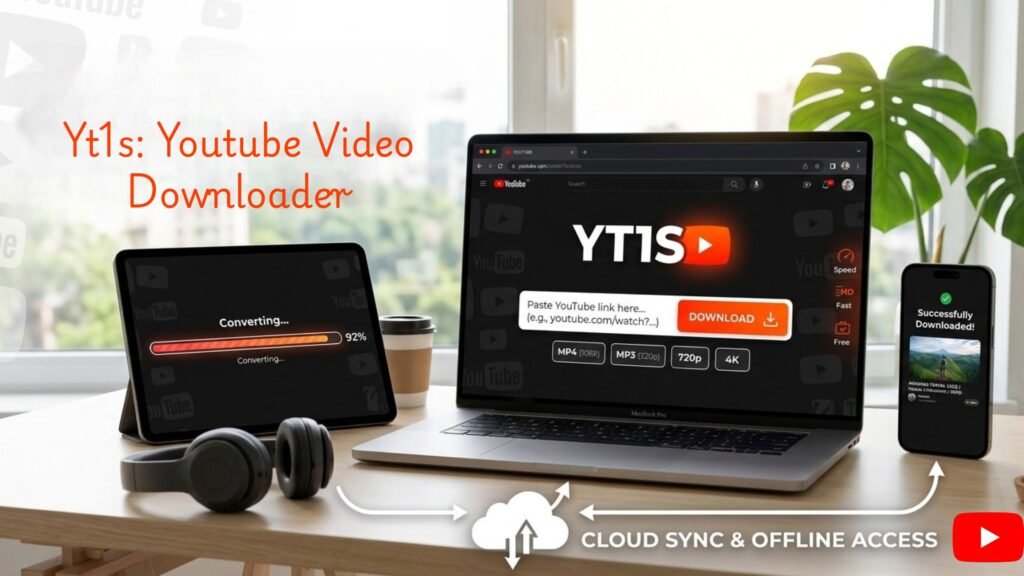
Yt1s and similar services can convert online video content into downloadable formats. A YouTube to MP3 option can produce an audio file, while YouTube to MP4 is designed for video files. Here’s the easy part: converting a file and having permission to use it are two different things. A YouTube MP3 converter does not change the copyright status of a song. You should only convert and save content when the rights holder or license allows you to do so.
A YouTube downloader may also be useful for content that the creator has specifically made available for downloading. Check the source’s terms before using such a tool.
A Simple Way to Download Permitted Music
Once you’ve found a track with suitable licensing, the process is fairly straightforward.
Follow These Basic Steps
- Open the original YouTube video or authorized music source.
- Read the description and licensing information.
- Confirm that downloading and your intended use are permitted.
- Copy the video’s URL if an authorized download or conversion method supports it.
- Select the required audio or video format.
- Download the file and keep the license details with it.
One small time-saving habit is to save the license information along with the music file. Months later, you may not remember where the track came from or whether attribution was required.
Common Mistakes to Avoid
A common beginner mistake is assuming that a video titled “copyright-free music” automatically grants unlimited rights. Titles are not licenses. Another mistake happens after clicking Download. Some websites open additional tabs or display several download buttons before the actual file appears. Check what you are clicking, and avoid installing unfamiliar software simply to obtain a music file. Don’t remove attribution information from a track if the license requires it. Also avoid uploading downloaded music as if you created it yourself.
Choose the Right Format for Your Project
For a podcast or background audio, an MP3 file is usually convenient because it is widely supported and relatively small. That’s where YouTube to MP3 conversion can be relevant when the source explicitly permits downloading.
For projects that need the original video as well, YouTube to MP4 may be more appropriate. However, the format doesn’t affect your usage rights. Permission comes from the license, not from the file type.
Keep a Record of Your Music Sources
Organizing downloaded tracks can save trouble later. Create a simple folder containing the music file, creator name, source URL, license information, and download date. If the license changes or you need to prove where a track came from, those details can be useful. Yt1s, a YouTube MP3 converter, or a YouTube downloader can handle file conversion, but responsible use still starts with checking the rights attached to the original content.
For creators, that extra minute spent checking a license is often more valuable than finding a track quickly and discovering later that it cannot legally be used.