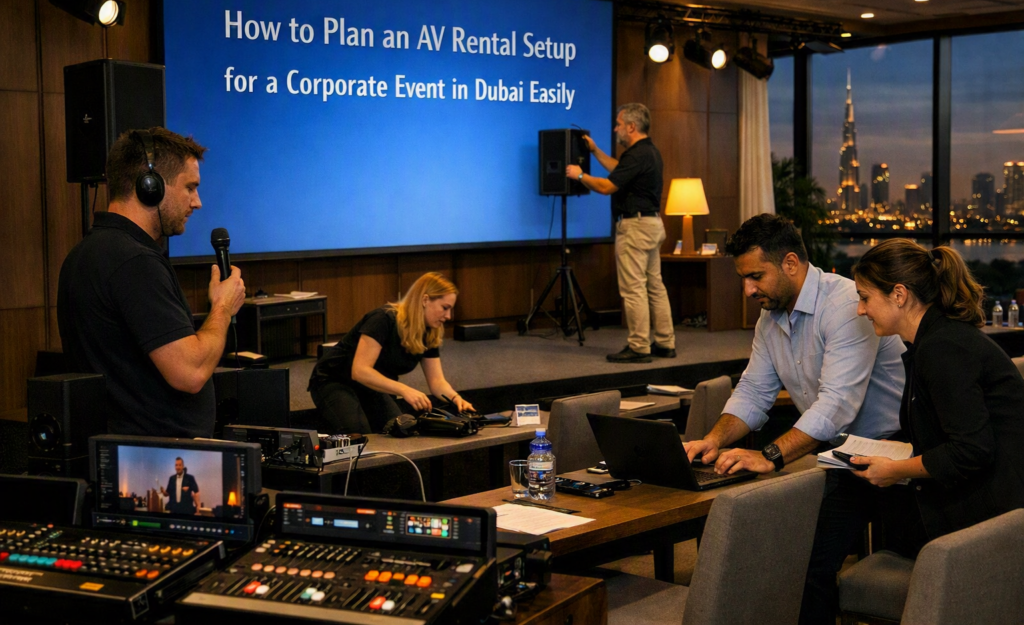
Planning the right audio and video setup is an important part of any corporate event. When comparing AV rental companies in Dubai, event planners should first understand the venue, audience, event format, and technical needs. A simple plan can help avoid equipment problems and make the event easier to manage.
Start With the Event Requirements
Begin by writing down what will happen during the event. A business meeting may need only microphones, speakers, and a screen, while a conference may require several displays, presentation systems, cameras, and stage lighting.
Consider the number of guests, speakers, presentation sessions, video content, and other activities. Knowing these details early makes it easier to decide what equipment is actually needed.
Check the Venue Before Choosing Equipment
The venue has a direct effect on the AV setup. Room size, ceiling height, seating arrangement, stage position, natural light, and available power should all be checked before equipment is selected.
For example, a large ballroom may need more speakers and larger screens than a small meeting room. A venue with strong daylight may also require a brighter display or a different screen position.
If possible, visit the venue before the event. This allows the technical team to identify possible cable routes, power points, equipment locations, and areas where sound may be affected.
Choose the Right Audio Equipment
Clear sound is one of the most important parts of a corporate event. Guests should be able to hear speakers without distortion or uncomfortable volume levels.
The type of microphone depends on the event. A handheld microphone can work well for short presentations, while a lapel or headset microphone may be more suitable for speakers who need to move around.
Speakers should also be selected according to the room. Using too few speakers can create areas where people cannot hear properly. Using equipment that is too powerful can make sound uncomfortable.
Plan the Video and Display Setup
Presentations often contain charts, videos, images, and other information that guests need to see clearly. The display should therefore match the room size and seating arrangement.
For smaller rooms, a large professional display may be suitable. Larger venues may require projection systems or multiple screens so people sitting farther away can see the content.
Check the presentation format before the event. HDMI connections, laptops, video files, aspect ratios, and resolution should be tested in advance.
Consider Lighting Needs
Lighting can affect both the audience experience and video recordings. The stage should have enough light for speakers to be seen clearly, but the lighting should not make screens difficult to view.
If the event includes video recording or live streaming, lighting becomes even more important. Speakers need consistent lighting so their faces remain clear on camera.
Plan for Presenters and Speakers
Presenters should have simple ways to control their presentations. Wireless presentation clickers, confidence monitors, and suitable microphone systems can make presentations more comfortable.
It is also useful to have backup presentation files on a separate laptop or storage device. Small preparation steps can prevent delays if a laptop or presentation file develops a problem.
Test Everything Before Guests Arrive
A complete technical test should be part of the event schedule. Test microphones, speakers, displays, laptops, videos, cables, internet connections, and presentation controls.
Ask each main speaker to test their presentation if possible. This can reveal problems with fonts, videos, sound, or connection settings before the audience enters the room.
A sound check should also cover different seating areas. Someone standing at the back of the room may hear the event differently from someone sitting near the stage.
Keep Backup Equipment Ready
Even well-planned events can experience technical issues. Having basic backup equipment can reduce delays.
Extra cables, adapters, batteries, microphones, presentation devices, and backup laptops can be useful. The exact backup items depend on the size and type of event.
It is also helpful to have a technical person available during important sessions. Quick support can be valuable if a connection fails or a presenter needs help.
Match the Setup With the Event Schedule
The installation plan should fit the event timetable. Equipment may need to be delivered, installed, tested, adjusted, and removed within specific time periods.
For multi-session events, the AV team may also need to change microphones, presentations, screens, or room layouts during breaks. These changes should be planned before the event starts.
Keep the Setup Practical
A good AV setup does not always mean using the largest or most advanced equipment. The better approach is to choose equipment that matches the venue and the event requirements.
A clear plan, proper testing, suitable equipment, and technical support can make a corporate event run more smoothly. By checking these points early, event planners can work more effectively with AV rental companies in Dubai and prepare a setup that fits the event.