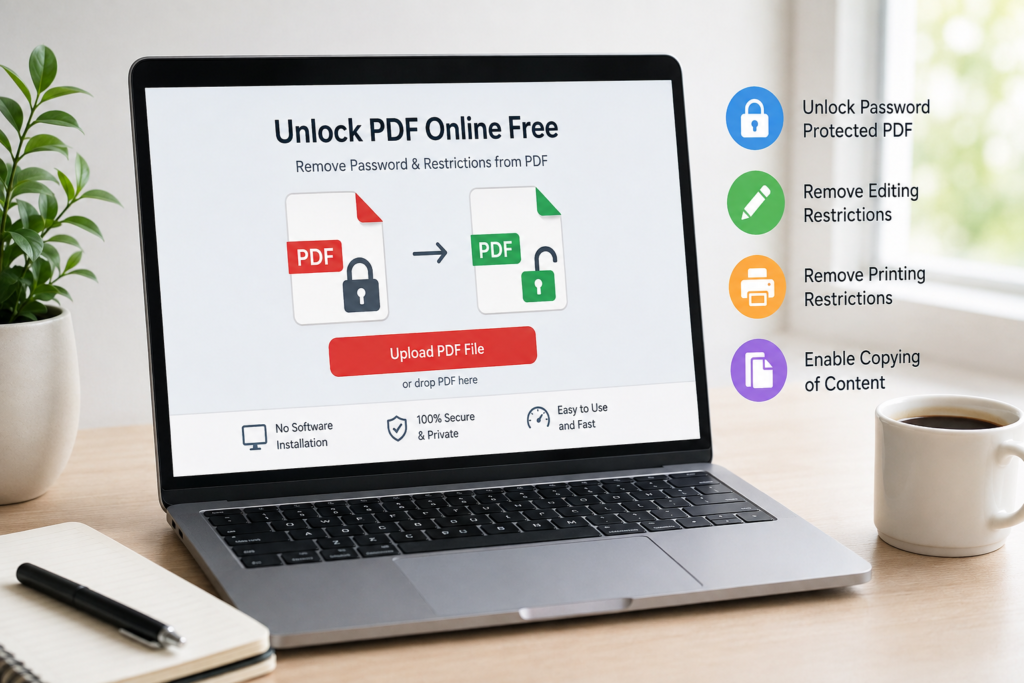
Need to unlock PDF online free without installing desktop software? An online PDF unlock tool can help remove certain password protections or permission restrictions from a PDF directly in your browser. Typically, you upload the PDF, provide the password when required, process the file, and download the unlocked version.
PDF unlocking can be useful when a document you own—or have permission to modify—prevents editing, printing, copying text, or other permitted actions. However, not every secured PDF can be unlocked, and you should never attempt to bypass protection on a document you are not authorized to access.
What Does It Mean to Unlock a PDF?
To unlock a PDF means removing or changing security settings that restrict how the document can be opened or used.
A secured PDF may require a password before it can be opened. Another PDF might open normally but prevent you from editing content, copying text, adding changes, or printing pages.
A free PDF unlocker may help with restrictions such as:
- Password protection when you know the required password
- Editing restrictions
- Printing restrictions
- Copying restrictions
- Certain document permission settings
The exact result depends on how the PDF was protected and what the online tool supports.
It is important to use PDF unlocking tools only for files you own or documents you have permission to access or modify.
How to Unlock a PDF Online for Free
The simplest way to unlock PDF without software is to use a browser-based PDF unlocking tool. Although the exact interface can vary, the basic process usually takes only a few steps.
Step 1: Upload Your Locked PDF
Open the Unlock PDF Online Free tool and select the PDF file from your device.
Depending on the service, you may be able to select a file using an upload button or drag and drop it into the browser window.
Before uploading confidential, financial, legal, medical, or other sensitive documents, review the service’s privacy and file-handling practices.
Step 2: Enter the PDF Password If Required
If the PDF requires a password to open, the tool may ask you to enter that password before it can process the document.
An online PDF password remover should not be viewed as a way to discover passwords you do not know. If strong encryption protects the document and you do not have the required password or authorization, the tool may be unable to unlock it.
Step 3: Unlock the PDF File
Choose the available unlock or processing option.
The tool will attempt to remove the supported security or permission settings from the document.
Step 4: Download the Unlocked PDF
Once processing is complete, save the resulting PDF to your device.
Step 5: Verify the PDF
Open the new file and check whether the restriction you needed removed is gone.
For example, test whether you can now:
- Open the PDF normally
- Print permitted pages
- Copy text
- Edit the document
- Use the PDF in another authorized workflow
Keep the original file until you have confirmed that the processed PDF works as expected.
Can You Unlock a Password-Protected PDF Online?
Yes, in some situations you can unlock password protected PDF online free, particularly when you know the correct password and the tool supports removing that type of protection.
There are two important types of PDF security to understand.
Open Password Protection
An open password, sometimes called a user password, prevents someone from opening the PDF without entering the correct password.
If you know the password, an online tool may be able to open the document and create a version that no longer requires the password.
If you do not know the password, strong encryption may prevent the file from being processed.
Permission Restrictions
A PDF can also open without asking for a password but restrict particular actions.
These restrictions may prevent users from:
- Editing the PDF
- Printing the document
- Copying text or images
- Making certain changes
A tool designed to remove PDF restrictions online free may be able to remove supported permission restrictions, provided you have the right to modify the document.
How to Remove Restrictions From a PDF
If your document opens normally but you cannot edit, print, or copy its contents, it may have permission restrictions rather than an open password.
To remove editing restrictions from PDF online, upload the authorized document to an online PDF unlocker and process it according to the tool’s instructions.
The same general approach may be used to remove printing restrictions from PDF online or unlock PDF to copy text online free.
However, PDF security can vary. Some documents use encryption, digital rights controls, certificates, signatures, or other security mechanisms that a basic browser-based tool may not support.
If unlocking fails, check the document’s security settings or contact the document owner for an unrestricted copy.
What Is the Difference Between a PDF Password and PDF Restrictions?
Although the terms are sometimes used interchangeably, password protection and permission restrictions are not exactly the same.
| PDF Security Type | What It Does | Typical Situation |
|---|---|---|
| Open password | Prevents the PDF from being opened without a password | You must enter a password before viewing the file |
| Editing restriction | Limits changes to the document | PDF opens, but editing is restricted |
| Printing restriction | Prevents or limits printing | You can read the PDF but cannot print it normally |
| Copying restriction | Restricts copying content | Text can be viewed but copying may be disabled |
| Other security | May involve encryption, certificates, signatures, or specialized controls | Support varies by tool |
Understanding the type of protection is important when choosing a free online tool to unlock secured PDF files.
Why Use an Online PDF Unlocker?
An online unlocker can be convenient when you need to process an authorized PDF quickly and do not want to install a dedicated desktop application.
No Software Installation
A browser-based service allows you to unlock PDF without downloading software. This can be useful on a device where you cannot or do not want to install additional applications.
Browser-Based Access
A browser based PDF unlock tool free can usually be accessed through a modern web browser. You select your file, process it, and save the resulting document.
Simple Workflow
Instead of navigating through complex PDF security menus, online tools often provide a straightforward upload-and-process workflow suitable for beginners.
Convenient PDF Processing
If the website provides other free online PDF tools, you may also be able to continue working with your file after unlocking it.
For example, useful internal links could point users to tools for:
- Editing PDFs
- Compressing PDFs
- Merging PDFs
- Splitting PDFs
- Converting PDFs
- Protecting PDFs
These tools create a natural workflow from unlocking a document to completing the next PDF task.
Is It Safe to Unlock a PDF Online?
The safety of uploading a PDF depends on the website, its security practices, its privacy policy, and the sensitivity of your document.
Before uploading a file, consider the information it contains. PDFs may include personal information, contracts, financial records, confidential business information, identification documents, or other sensitive data.
Consider these precautions:
- Review the website’s privacy and file-handling policies.
- Check how uploaded and processed files are handled or deleted.
- Avoid uploading highly sensitive documents unless the service’s practices are appropriate for your needs.
- Use only files you own or have authorization to modify.
- Download the processed document and verify the result before deleting your original copy.
Avoid assuming that every free online PDF service provides the same privacy protections. The website should clearly explain its actual practices rather than making unsupported security claims.
What PDFs Can and Cannot Be Unlocked?
An online tool may be able to unlock PDFs protected by certain passwords or permission settings, but not every locked PDF can be unlocked online.
PDFs That May Be Supported
Depending on the tool, these may include:
- PDFs for which you know the correct open password
- PDFs with supported editing restrictions
- PDFs with supported printing restrictions
- PDFs with copying restrictions
- PDFs with removable permission settings
PDFs That May Not Be Supported
An online unlocker may be unable to process:
- Strongly encrypted PDFs when the required password is unknown
- Files protected by unsupported encryption methods
- Documents controlled by specialized digital rights management
- Certain certificate-protected PDFs
- Corrupted or invalid PDF files
- Security configurations not supported by the particular tool
An online PDF unlocker should not promise that every document can be unlocked.
Where Can You Unlock a PDF Without Downloading Software?
A browser-based PDF tool allows you to unlock PDF in browser for free without installing a traditional desktop PDF application.
Unlock PDF Online Free is a convenient option when you need to remove supported PDF restrictions without installing additional software.
This can be particularly convenient when working from a shared computer, Chromebook, tablet, or another device where installing software is inconvenient.
The process is generally:
Select PDF → Enter password if required → Unlock → Download → Verify
For documents containing sensitive information, always consider whether uploading the file to an online service is appropriate before proceeding.
What Is the Best Free Way to Unlock a PDF Online?
The best free way to unlock a PDF online is to use a reputable browser-based tool that clearly explains what types of restrictions it supports, how uploaded files are handled, and whether a password is required.
For an authorized document, look for a tool that provides:
- A clear upload process
- Simple instructions
- Support for the restriction you need removed
- Transparent privacy and file-handling information
- Clear information when a PDF cannot be processed
Avoid services that make unrealistic promises about breaking unknown passwords or unlocking every encrypted document.
If your goal is simply to remove restrictions from a PDF you own, start with the Unlock PDF Online Free tool and follow the on-screen instructions.
Frequently Asked Questions
How can I unlock a PDF online for free?
Upload your authorized PDF to an online PDF unlock tool, enter the password if required, select the unlock option, and download the processed file. Check the new PDF to confirm that the required restriction has been removed.
Can I unlock a password-protected PDF online?
Possibly. If you know the correct password and the service supports the PDF’s protection method, an online tool may be able to remove the password requirement. Strong encryption may prevent unlocking when the password is unknown.
How do I remove restrictions from a PDF?
Use a PDF unlock tool that supports permission restrictions. Upload the file, process it, and check whether editing, printing, or copying permissions have changed. Only modify documents you own or are authorized to change.
Can I unlock a PDF without downloading software?
Yes. A browser-based tool can let you unlock PDF without software installation. The file is selected and processed through the web interface rather than a desktop application.
Can I unlock a PDF on my phone?
Potentially, yes. If the online tool works with your mobile browser and supports your PDF, you may be able to upload, process, and save the document from a phone or tablet. Actual compatibility depends on the service and device.
What is the difference between a PDF password and restrictions?
An open password prevents access to the PDF until the correct password is entered. Permission restrictions can allow the document to open while limiting actions such as editing, printing, or copying.
Is it safe to upload a PDF to an online unlock tool?
It depends on the service and the sensitivity of the file. Review the provider’s privacy, security, retention, and file-handling information before uploading confidential documents.
Can every locked PDF be unlocked online?
No. Some PDFs use strong encryption, certificates, specialized rights management, or unsupported security settings. An online tool may not be able to unlock these files.
Unlock Your PDF Online
Need to remove a supported restriction from a PDF you own or have permission to modify?
Use the Unlock PDF Online Free tool to upload your document, process supported restrictions, and download the resulting PDF—all through a simple browser-based workflow.
Try Unlock PDF Online Free →