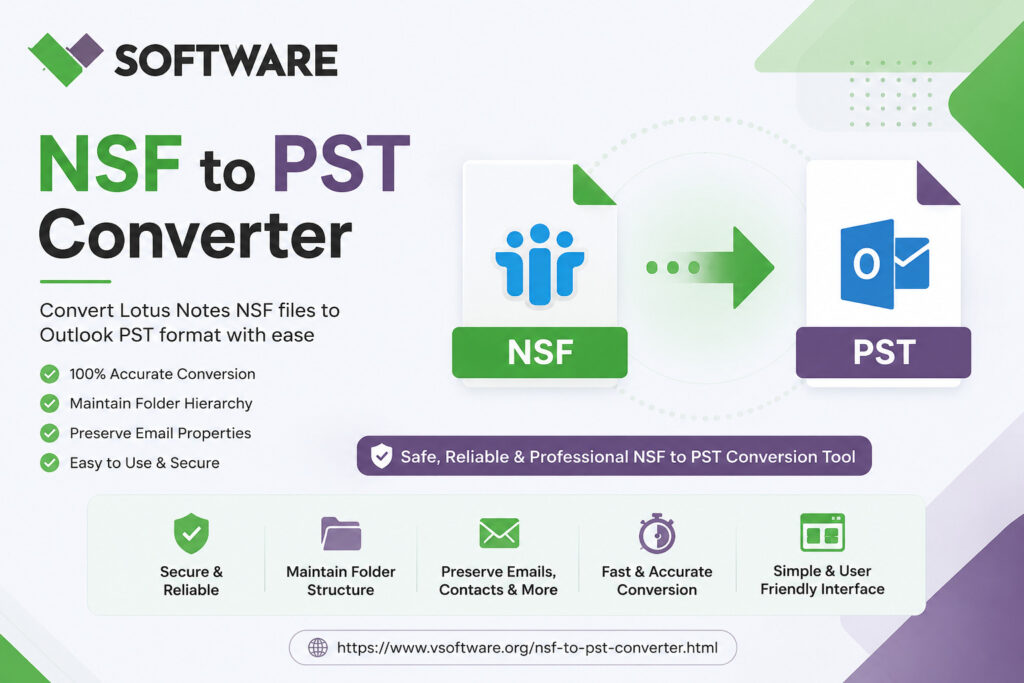
Introduction to NSF and PST files
Are you struggling with the transition from Lotus Notes to Microsoft Outlook? If so, you’re not alone. Many users find themselves in need of converting NSF (Notes Storage Facility) files to PST (Personal Storage Table) format to make the switch seamless. This change can unlock a world of possibilities for better email management and user experience.
In this guide, we’ll walk you through why converting NSF to PST is essential and how it can enhance your productivity. Plus, we’ll provide a step-by-step approach on how to achieve this conversion easily using reliable tools. Whether you’re a tech novice or an experienced professional, our comprehensive tips will ensure that your data migration goes smoothly without any hiccups. Let’s dive into the details!
Why convert from NSF to PST?
Many users find themselves needing to convert NSF files, which are associated with Lotus Notes, to PST format for Microsoft Outlook. This transition often arises from organizational changes or preferences.
Microsoft Outlook is widely used in businesses today. Its user-friendly interface and extensive features make it a preferred choice for many professionals. By converting NSF to PST, you can easily access your emails, contacts, and calendars without switching platforms.
Another reason for this conversion is compatibility. If you’re collaborating with team members who use Outlook, sharing information becomes seamless when everyone operates on the same system.
Additionally, PST files allow better integration with various applications and services available within the Microsoft ecosystem. This means enhanced productivity as you leverage tools like OneDrive or SharePoint alongside your emails.
Migrating ensures that crucial data remains accessible while moving toward more commonly utilized software solutions in today’s digital landscape.
Step-by-step guide on converting NSF to PST
To convert NSF to PST, start by downloading a reliable conversion tool. Look for software that supports both file formats and has positive user reviews.
Launch the tool and select the option to import your NSF file. You will typically need to browse your computer for the location of the NSF file you wish to convert.
Once selected, choose PST as your desired output format. Some tools allow you to customize settings, such as selecting specific folders or items within the NSF file.
Initiate the conversion process by clicking on “Convert” or a similar command. Depending on your file size, this may take some time.
After completion, locate the newly created PST files on your system. It’s wise to open them in Outlook immediately to ensure everything is transferred correctly.
Recommended conversion tools
When it comes to converting NSF to PST, choosing the right tool is crucial. There are numerous software options available, each with its own set of features.
One popular choice is Stellar Converter for NSF. It’s known for a user-friendly interface and efficient conversion capabilities. Many users appreciate its ability to handle large files seamlessly.
Another reliable option is vMail NSF to PST Converter. This tool offers batch conversion, allowing multiple files to be processed simultaneously. It’s particularly useful for businesses handling large data transfers.
For those looking for a free solution, Kernel for Lotus Notes to Outlook provides limited functionality at no cost. While it may not have all the advanced features, it serves as a good starting point for basic conversions.
Consider your specific needs before deciding which tool best suits your project requirements and budget constraints.
Tips for a successful conversion process
When converting NSF to PST, preparation is key. Start by backing up your data. This ensures you have a safety net in case anything goes wrong during the conversion.
Ensure that both Lotus Notes and Microsoft Outlook are properly installed on your system. Compatibility between these applications can directly impact the conversion process.
Use a reliable converter tool designed specifically for this task. Look for user reviews and performance ratings to make an informed choice.
Before proceeding with the full conversion, conduct a test run with a small batch of files. This allows you to identify any potential issues without risking all your data at once.
Monitor the output closely after conversion. Check that emails, contacts, and calendar entries transferred correctly into PST format before finalizing everything.
Common challenges and how to overcome them
Converting NSF to PST isn’t always a smooth process. Users often face compatibility issues, especially if the versions of Lotus Notes and Microsoft Outlook don’t match. This can lead to errors during conversion.
Another common challenge is data loss. Incomplete migrations may result in missing emails or attachments. To tackle this, ensure you back up your NSF files before starting the process.
Sometimes, large file sizes can cause delays or failures in conversion. If you’re dealing with substantial data, consider splitting your NSF file into smaller segments for an easier transfer.
Technical glitches are also possible during the conversion. Running software updates and checking system requirements beforehand can help mitigate these problems.
Users may encounter formatting issues post-conversion. It’s advisable to review and format your PST files after migration to ensure everything appears as intended.
Conclusion: The benefits of converting NSF to PST
Converting NSF to PST brings a host of advantages that can significantly enhance your email management experience. One major benefit is the increased accessibility of your emails and data. By converting to PST, you ensure compatibility with Microsoft Outlook, which is widely used in various organizations.
Another perk is improved data organization. The PST format supports better archiving and file management capabilities, making it easier to keep track of important emails and documents. Moreover, this conversion allows users to leverage Outlook’s robust features for enhanced productivity.
Additionally, converting NSF files to PST can facilitate smoother migration processes when changing or upgrading email systems. This ensures that no valuable information gets lost during transitions while also streamlining future access.
The ability to back up important emails in the PST format provides peace of mind as well. Users gain security knowing their communications are stored safely and can be retrieved whenever needed without hassle.
All these benefits highlight why many individuals and businesses opt for the conversion from NSF to PST – it’s not just about changing formats but improving how we manage digital communication effectively.